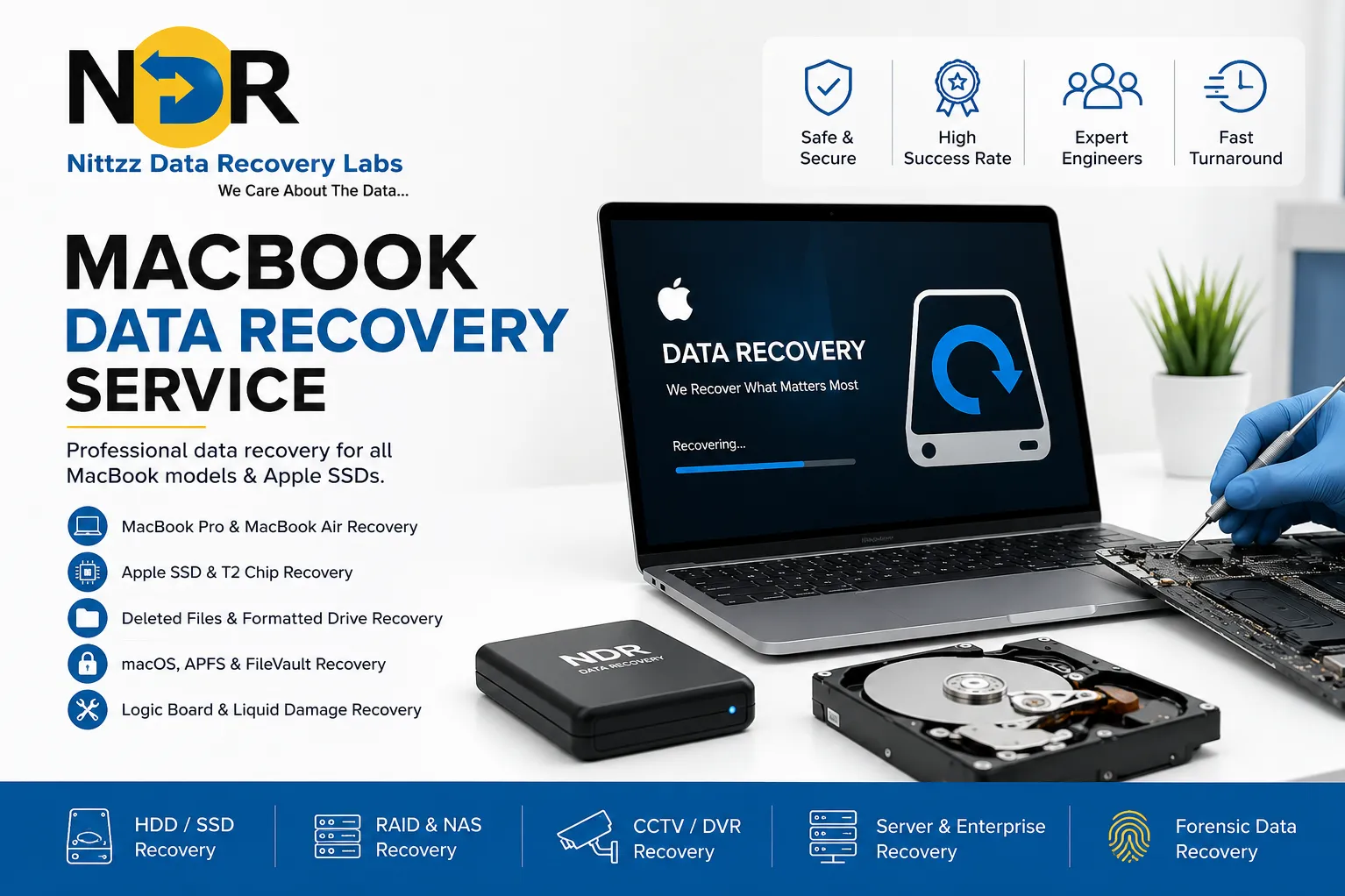
MacBook Data Recovery Service – Professional Mac SSD & Hard Drive Recovery by NDRLabs
MacBook Data Recovery Service You Can Trust
Losing important files from your MacBook can be stressful, whether it's due to accidental deletion, liquid damage, SSD failure, macOS corruption, or a logic board issue. At NDRLabs, we provide professional MacBook data recovery services designed to recover your valuable documents, photos, videos, business files, and critical databases with the highest success rate.
Since 2015, NDRLabs has been a trusted name in professional data recovery, successfully recovering data from MacBook Air, MacBook Pro, iMac, Mac Mini, and other Apple storage devices. Our experienced engineers use advanced recovery techniques and state-of-the-art equipment to retrieve data from even the most challenging failures.
Why Choose NDRLabs for MacBook Data Recovery?
Data recovery on Apple devices requires specialized knowledge due to Apple's proprietary hardware, encrypted storage, and integrated SSD architecture. NDRLabs has the expertise to safely recover data from modern Apple devices.
Our Expertise Includes:
- MacBook Pro Data Recovery
- MacBook Air Data Recovery
- Apple SSD Data Recovery
- T2 Security Chip Data Recovery
- Apple Silicon (M1, M2, M3) Recovery
- Logic Board Data Recovery
- macOS Recovery
- Time Machine Backup Recovery
- APFS File System Recovery
- FileVault Encrypted Data Recovery
Common MacBook Data Loss Problems
Our specialists recover data from nearly every type of MacBook failure, including:
SSD Failure
Modern MacBooks use high-speed SSDs that can suddenly stop responding due to controller or NAND chip failures.
Liquid Damage
Coffee, water, or accidental spills can damage internal components, making data inaccessible.
Logic Board Failure
A failed motherboard doesn't always mean your data is lost. We specialize in recovering data directly from damaged logic boards.
macOS Corruption
Software crashes, failed updates, or corrupted operating systems can prevent your MacBook from booting.
Accidental File Deletion
Deleted files, formatted drives, or emptied Trash folders can often be recovered before being overwritten.
Physical Damage
Broken MacBooks caused by drops, impact, overheating, or electrical damage require specialized recovery procedures.
Virus & Malware Attacks
Malicious software can corrupt files or encrypt important business data.
MacBook Models We Support
NDRLabs offers recovery services for:
- MacBook Air
- MacBook Pro
- Retina MacBook
- Apple M1 MacBook
- Apple M2 MacBook
- Apple M3 MacBook
- Intel-based MacBooks
- iMac
- Mac Mini
- Mac Studio
- External Apple SSDs
Data We Recover
We recover virtually every type of file, including:
- Business Documents
- Office Files
- Photos & Videos
- Emails
- Financial Records
- Project Files
- Graphic Design Files
- Final Cut Pro Projects
- Logic Pro Files
- Adobe Photoshop Files
- CAD Drawings
- Databases
- Software Source Code
Our Advanced Recovery Process
1. Initial Diagnosis
Our engineers perform a comprehensive evaluation of your MacBook to determine the cause of failure.
2. Secure Recovery
Using professional recovery tools in controlled environments, we safely retrieve your data while minimizing further damage.
3. Data Verification
Recovered files are verified for integrity and organized before delivery.
4. Secure Delivery
Recovered data is provided on a new storage device or through secure transfer, depending on your preference.
Why NDRLabs Stands Out
Since 2015, NDRLabs has built a reputation for handling some of the most difficult recovery cases.
Our Advantages
- Professional Apple Data Recovery Specialists
- Advanced SSD Recovery Technology
- Recovery for Encrypted Apple Drives
- Cleanroom Recovery Facilities
- High Success Rate
- Confidential & Secure Process
- Fast Turnaround Time
- Affordable Pricing
- Nationwide Service Coverage
- Experienced Engineers Since 2015
Industries We Serve
Our MacBook recovery services are trusted by:
- IT Companies
- Software Developers
- Graphic Designers
- Video Production Studios
- Photographers
- Architects
- Healthcare Organizations
- Educational Institutions
- Financial Firms
- Government Departments
- Small & Medium Businesses
- Individual Users
Tips to Prevent Data Loss on Your MacBook
- Back up regularly using Time Machine.
- Enable iCloud synchronization for important files.
- Avoid using unreliable third-party cleaning software.
- Keep macOS updated.
- Protect your MacBook from liquid exposure.
- Use surge protectors during charging.
- Monitor SSD health periodically.
- Stop using the device immediately after data loss to prevent overwriting.
Why Professional Recovery Matters
Attempting DIY recovery on a failing MacBook can permanently overwrite or damage recoverable data. Apple devices often feature soldered SSDs, advanced encryption, and proprietary hardware that require specialized tools and expertise. Trusting experienced professionals significantly increases the likelihood of successful recovery while protecting your valuable information.
Choose NDRLabs for Reliable MacBook Data Recovery
When your MacBook contains irreplaceable personal memories or mission-critical business data, choosing an experienced recovery partner is essential. NDRLabs combines advanced technology, skilled engineers, and over a decade of expertise to recover data from damaged, failed, or inaccessible Apple devices. From accidental deletion to complex SSD and logic board failures, we are committed to delivering secure, reliable, and efficient data recovery solutions.
Frequently Asked Questions:
Q1. Can data be recovered from a dead MacBook?
Yes. In many cases, data can be recovered from MacBooks with SSD failures, logic board damage, liquid damage, or boot issues using specialized recovery techniques.
Q2. Can you recover data from Apple Silicon (M1, M2, M3) MacBooks?
Yes. NDRLabs has expertise in recovering data from modern Apple Silicon MacBooks, including encrypted storage systems.
Q3. Is my recovered data kept confidential?
Absolutely. We follow strict confidentiality protocols, and all recovered data is handled securely and privately.
Q4. Do you recover accidentally deleted files from MacBooks?
Yes. We can recover deleted files, formatted partitions, and lost data from APFS and HFS+ file systems when recovery conditions permit.
Q5. How long does MacBook data recovery take?
The recovery time depends on the complexity of the issue, but after diagnosis, our team provides an estimated turnaround time and recovery feasibility.
Keywords