Professional SSD Data Recovery in Jaipur – Fast & Reliable Recovery Services
Data is one of the most valuable assets for individuals and businesses. From important office documents and business records to personal photographs, videos, and professional files, losing access to stored data can create serious problems. SSDs (Solid State Drives) are widely used in laptops, desktop computers, workstations, and servers because of their high speed, reliability, and compact design. However, like other storage devices, SSDs can also fail, become corrupted, or stop responding due to technical and physical issues.
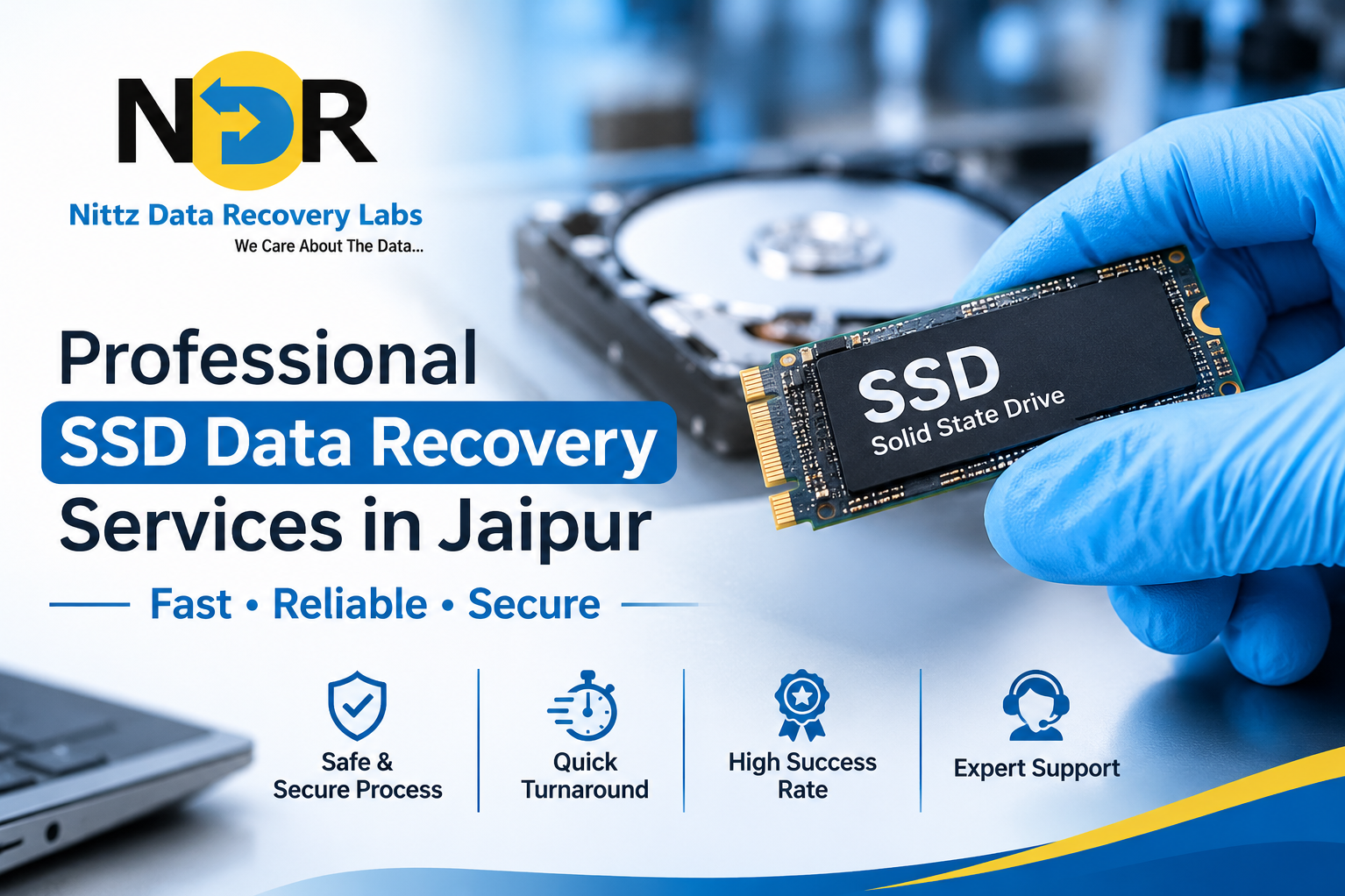
If you are searching for professional SSD data recovery services in Jaipur, Jaipur Data Recovery offers specialized recovery solutions to help retrieve inaccessible, deleted, or lost data from different types of SSD storage devices.
What Is SSD Data Recovery?
SSD data recovery is the process of retrieving lost, deleted, corrupted, or inaccessible information from a Solid State Drive. Unlike traditional hard disk drives (HDDs), SSDs use NAND flash memory and an electronic controller to store and manage data.
Recovering data from an SSD can be technically challenging because of its internal architecture, firmware, encryption, and TRIM functionality. Professional assessment and appropriate recovery techniques are important to maximize the possibility of successful data retrieval.
Common SSD Problems That Require Professional Data Recovery
An SSD may become inaccessible for several reasons. Some common issues include:
- SSD Not Detected: The computer or laptop fails to recognize the connected SSD.
- Accidental Data Deletion: Important documents, photos, or folders are mistakenly deleted.
- SSD File System Corruption: The drive becomes unreadable due to file system errors or improper shutdowns.
- SSD Firmware Failure: Firmware-related problems prevent the drive from operating normally.
- SSD Controller Failure: A malfunctioning controller can make stored data inaccessible.
- SSD Formatting: Important files become inaccessible after accidental formatting.
- Operating System Failure: Windows or another operating system crashes, preventing access to stored information.
- Electrical Damage: Power surges, voltage fluctuations, or circuit-related problems can damage SSD components.
Identifying the actual cause of failure is an essential first step toward selecting an appropriate recovery method.
Professional SSD Data Recovery Services in Jaipur
Jaipur Data Recovery provides data recovery assistance for different SSD-related data loss situations. Depending on the device condition and nature of the problem, recovery may involve specialized diagnostic procedures and advanced technical methods.
1. Failed SSD Data Recovery
If your SSD suddenly stops working, becomes inaccessible, or is not detected by your computer, professional diagnosis can help identify the underlying issue. Recovery options depend on the condition of the flash memory, controller, firmware, and other components.
2. Formatted SSD Data Recovery
Accidentally formatting an SSD can result in the loss of important information. Recovery possibilities depend on factors such as the formatting method, subsequent drive usage, TRIM status, and whether the original data has been overwritten.
3. Corrupted SSD Data Recovery
File system corruption can prevent users from opening files or accessing stored folders. Professional recovery procedures may help retrieve available data from corrupted or unreadable SSDs.
4. SSD Not Detected Recovery
When an SSD does not appear in BIOS, Windows Disk Management, or the operating system, the issue may involve firmware, controller electronics, connectivity, or hardware failure. A proper diagnosis helps determine the available recovery options.
5. Laptop and Desktop SSD Recovery
SSDs installed in laptops and desktop computers may become inaccessible due to system crashes, motherboard issues, operating system errors, or storage device failure. Professional recovery assessment can help identify whether the data can be retrieved.
6. NVMe and M.2 SSD Data Recovery
Modern computers commonly use NVMe and M.2 SSDs for high-speed storage. These devices require specialized handling and compatible recovery techniques depending on their controller, firmware, interface, and encryption configuration.
Why Is SSD Data Recovery Different from HDD Recovery?
SSD and HDD technologies store data differently, which makes their recovery processes different.
SSD (Solid State Drive)
HDD (Hard Disk Drive)
Uses NAND flash memory
Uses magnetic platters
Has no moving mechanical parts
Contains moving mechanical components
Uses an electronic controller
Uses a mechanical and electronic system
Supports TRIM functionality
Does not use SSD-style TRIM
Recovery depends on flash memory, controller and firmware
Recovery may involve mechanical or electronic repairs
One important consideration is the TRIM command. When TRIM is enabled, deleted data may be marked for erasure by the SSD. Once the relevant memory blocks have been erased, recovering the original information may be difficult or impossible.
What Should You Do When Your SSD Stops Working?
Taking the right steps immediately after data loss can help prevent further damage.
- Stop using the affected SSD immediately.
- Avoid saving new files or installing software on the drive.
- Do not repeatedly connect or disconnect a malfunctioning SSD.
- Avoid formatting or initializing the drive if prompted by your computer.
- Do not attempt firmware updates or repair utilities without understanding the risks.
- Contact a professional data recovery service for an assessment.
These precautions are particularly important when dealing with SSDs affected by controller failure, firmware corruption, or accidental formatting.
How Does the SSD Data Recovery Process Work?
Professional SSD data recovery generally involves several stages:
Step 1: Initial Assessment
The SSD is examined to understand the symptoms, storage type, and possible cause of data loss.
Step 2: Technical Diagnosis
Specialists assess the drive's electronic components, controller, firmware, and memory condition, depending on the reported issue.
Step 3: Recovery Planning
An appropriate recovery approach is selected based on the SSD model, failure type, encryption status, and available recovery options.
Step 4: Data Extraction
Where technically possible, specialized tools and procedures are used to retrieve accessible data.
Step 5: Data Verification
Recovered files are checked for accessibility and integrity wherever possible.
Step 6: Secure Data Handover
The recovered information is transferred to a suitable storage device, subject to the recovery arrangement.
Note: Data recovery is not guaranteed. The possibility of recovery depends on the nature and extent of the damage, SSD technology, TRIM activity, encryption, and other technical factors.
Why Choose Professional SSD Data Recovery Services in Jaipur?
Choosing an experienced data recovery provider is important when dealing with valuable or confidential information.
Consider these factors when selecting a data recovery company:
- Experience with SSD, NVMe, and M.2 storage technologies.
- Availability of specialized diagnostic and recovery tools.
- Proper handling of electronically damaged storage devices.
- Clear communication about recovery possibilities and limitations.
- Transparent pricing and evaluation procedures.
- Confidential handling of personal and business information.
Jaipur Data Recovery aims to assist customers facing different types of storage-related data loss through professional assessment and appropriate recovery solutions.
Who Needs SSD Data Recovery Services?
Professional SSD recovery may be useful for:
- Individuals who have lost personal photographs, videos, and documents.
- Businesses dealing with inaccessible financial records and office files.
- IT companies recovering important project data.
- Professionals using SSD-based laptops and workstations.
- Students recovering academic projects and study materials.
- Organizations facing storage device or system failures.
Frequently Asked Questions :
1. Can data be recovered from a dead SSD?
In some cases, data can be recovered from a non-working SSD. The possibility depends on whether the NAND flash memory is intact and whether the controller, firmware, or electronic components can be addressed.
2. Can deleted files be recovered from an SSD?
Sometimes, but SSD recovery is more complicated than HDD recovery because of TRIM and background garbage collection. Recovery depends on whether the deleted data has already been erased.
3. Can data be recovered from a formatted SSD?
Recovery may be possible in certain situations. However, the chances depend on the formatting method, subsequent drive activity, TRIM functionality, and whether the original data has been overwritten.
4. How long does SSD data recovery take?
The recovery timeline depends on the SSD model, failure type, technical complexity, and amount of data involved. A proper diagnosis is needed to estimate the time.
5. Can data be recovered from an NVMe SSD?
Yes, recovery may be possible from certain NVMe SSDs. However, the process depends on the controller, firmware, encryption, and physical condition of the storage device.
6. Is SSD data recovery always successful?
No. Successful recovery cannot be guaranteed. Some SSD failures, particularly those involving erased NAND memory or inaccessible encryption keys, may make data recovery impossible.
7. Where can I find professional SSD data recovery services in Jaipur?
You can contact Jaipur Data Recovery for professional assessment and assistance with SSD-related data loss problems.
Contact Jaipur Data Recovery for Professional SSD Recovery
Losing important data from an SSD can be stressful, especially when it contains valuable personal files, business documents, or professional information. Timely action and proper technical assessment can help prevent further data loss and determine the available recovery options.
Jaipur Data Recovery provides assistance for SSD-related data loss situations, including failed, corrupted, formatted, and inaccessible SSD storage devices.
If your SSD is not detected, has stopped working, or contains inaccessible data, seek professional assistance before attempting further troubleshooting.
Website: https://www.jaipurdatarecovery.in
Contact Jaipur Data Recovery today for professional SSD data recovery assistance in Jaipur.
Keywords