Desktop Data Recovery Solutions for Lost and Deleted Files | Nitzz Data Recovery Labs
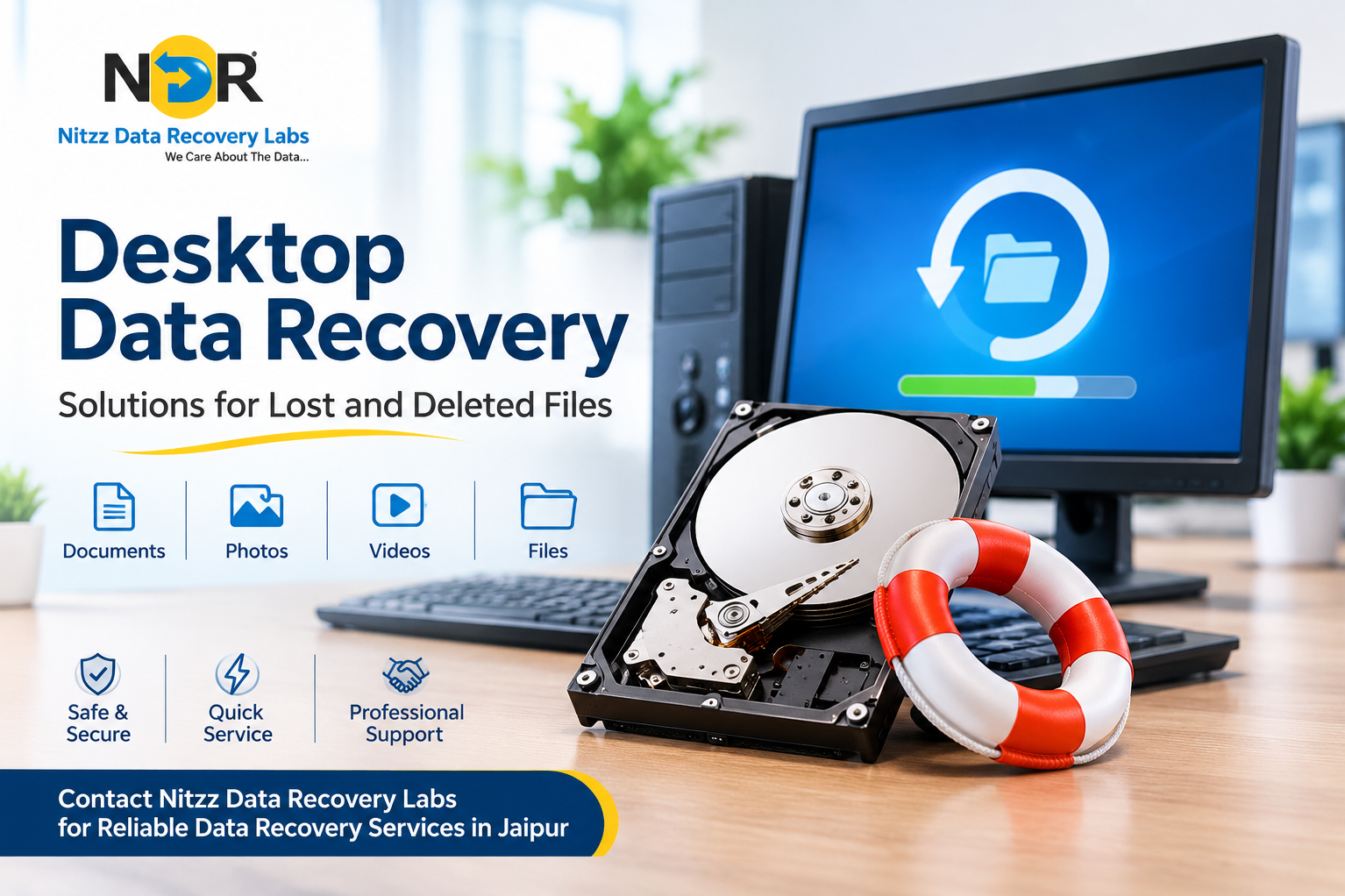
Desktop computers are widely used for personal, professional, and business activities. They store important information, including office documents, business records, photographs, videos, databases, project files, and other digital data. Losing access to these files due to accidental deletion, hard drive failure, operating system errors, or hardware damage can create serious difficulties. Desktop data recovery services help retrieve inaccessible, lost, or deleted information from affected storage devices.
Nitzz Data Recovery Labs provides desktop data recovery solutions in Jaipur for individuals, professionals, and businesses experiencing different types of data loss. The recovery process depends on the condition of the storage device, the cause of data loss, and the availability of recoverable information.
Common Reasons for Desktop Data Loss
Desktop computers can experience data loss due to several hardware and software-related problems. Some common causes include:
- Accidental File Deletion: Important documents, photographs, folders, or other files may be deleted unintentionally.
- Hard Drive Failure: Mechanical issues, damaged components, or electronic faults can make a desktop hard drive inaccessible.
- Operating System Corruption: Windows crashes, boot errors, or corrupted system files may prevent users from accessing stored data.
- Virus and Malware Attacks: Malicious software can damage, encrypt, or delete important files.
- Partition Loss: Incorrect formatting, partition deletion, or disk management errors may result in inaccessible partitions.
- Power Failure: Sudden shutdowns and electrical fluctuations can interrupt storage operations and cause data corruption.
- Physical Damage: Dropping, overheating, or internal component damage may affect the functioning of a storage device.
Identifying the actual reason for data loss is an important step before selecting an appropriate recovery method.
Desktop Hard Drive Data Recovery
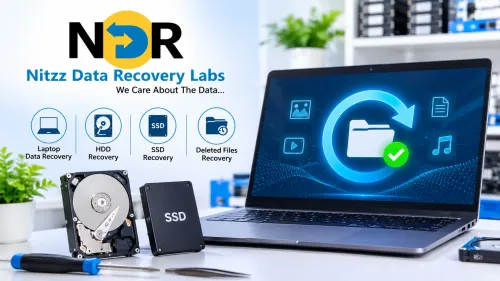
Hard disk drives (HDDs) are commonly used in desktop computers to store operating systems, applications, and personal or business files. Over time, these drives may develop mechanical problems, bad sectors, electronic faults, or file system corruption.
Desktop hard drive data recovery involves examining the affected HDD and determining whether the stored information can be retrieved. Depending on the condition of the drive, recovery may involve logical recovery techniques or specialized hardware procedures.
If a hard drive starts making unusual clicking sounds, becomes unusually slow, or is no longer detected by the computer, avoid repeatedly restarting it. Further use may increase the risk of additional damage.
SSD Data Recovery for Desktop Computers
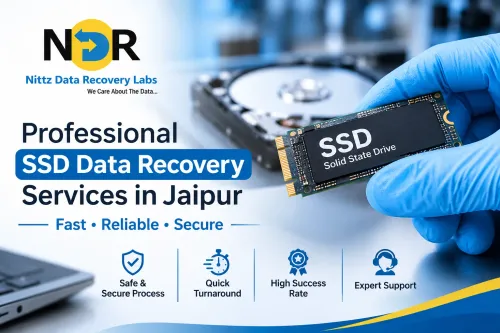
Solid State Drives (SSDs) are increasingly used in desktop systems because of their speed and storage performance. However, SSDs can also experience data loss due to controller failure, firmware problems, electrical damage, file deletion, or formatting errors.
SSD data recovery requires an assessment of the drive's controller, memory chips, firmware, and storage condition. Recovery possibilities depend on the type of failure and whether deleted data has been overwritten or affected by features such as TRIM.
Recovery of Lost and Deleted Desktop Files
Accidentally deleted files do not always become immediately unrecoverable. In certain situations, data may remain available for recovery until the storage space is overwritten by new information.
Desktop data recovery may involve retrieving different types of files, such as:
- Office documents, PDFs, and spreadsheets
- Personal photographs and videos
- Business records and financial documents
- Project files and design data
- Database files and application data
- Important folders and archived information
For better recovery possibilities, stop saving new files to the affected drive and avoid installing recovery software on the same storage device.
Desktop Data Recovery for Different Technical Problems
Desktop data loss can occur in several situations, and each requires a different technical approach.
1. Formatted Hard Drive Recovery
Accidental formatting can make previously stored information inaccessible. Recovery possibilities depend on the formatting method, file system, and whether new data has been written to the drive.
2. Corrupted Hard Drive Recovery
File system errors, damaged partitions, and unreadable sectors may prevent normal access to desktop storage. Technical assessment helps determine the available recovery options.
3. Desktop Not Booting
A desktop computer that fails to start may still contain accessible data on its internal storage device. The drive can be assessed separately to determine whether files can be retrieved.
4. External Storage and Backup Issues
External hard drives and other connected storage devices may also experience accidental deletion, corruption, or hardware-related problems.
Why Choose Nitzz Data Recovery Labs?
Choosing an appropriate data recovery service is important when desktop storage contains valuable information. Nitzz Data Recovery Labs focuses on assessing storage-related problems and identifying suitable recovery procedures.
Key service considerations include:
- Assessment of HDD and SSD-related data loss.
- Recovery possibilities for deleted, formatted, or inaccessible files.
- Support for different desktop storage-related issues.
- Technical evaluation of logical and physical drive failures.
- Attention to data handling and confidentiality.
- Recovery procedures based on the condition of the affected device.
The possibility of successful recovery depends on the nature and extent of the damage. Not every lost file or damaged storage device can be recovered.
Important Steps to Take After Desktop Data Loss
Taking appropriate precautions immediately after data loss may help prevent further damage.
- Stop using the affected desktop or storage drive.
- Avoid installing new software on the affected drive.
- Do not format or initialize a drive that suddenly becomes inaccessible.
- Avoid opening a physically damaged hard drive.
- Do not repeatedly restart a drive producing unusual mechanical sounds.
- Seek a professional assessment to understand the available recovery options.
These precautions can help reduce the risk of overwriting recoverable information or worsening existing hardware problems.
Contact Nitzz Data Recovery Labs for Desktop Data Recovery in Jaipur
Losing important desktop files can affect personal work, business operations, and professional projects. Whether the problem involves accidental deletion, a corrupted partition, HDD failure, SSD malfunction, or an inaccessible desktop computer, understanding the cause of data loss is the first step toward finding a suitable solution.
Nitzz Data Recovery Labs offers desktop data recovery services in Jaipur for different storage-related problems. Contact the team to discuss your desktop data loss issue and understand the possible recovery options.
For more information about desktop data recovery solutions for lost and deleted files, visit the official website: https://www.jaipurdatarecovery.in
Keywords